Redis Mode Settings
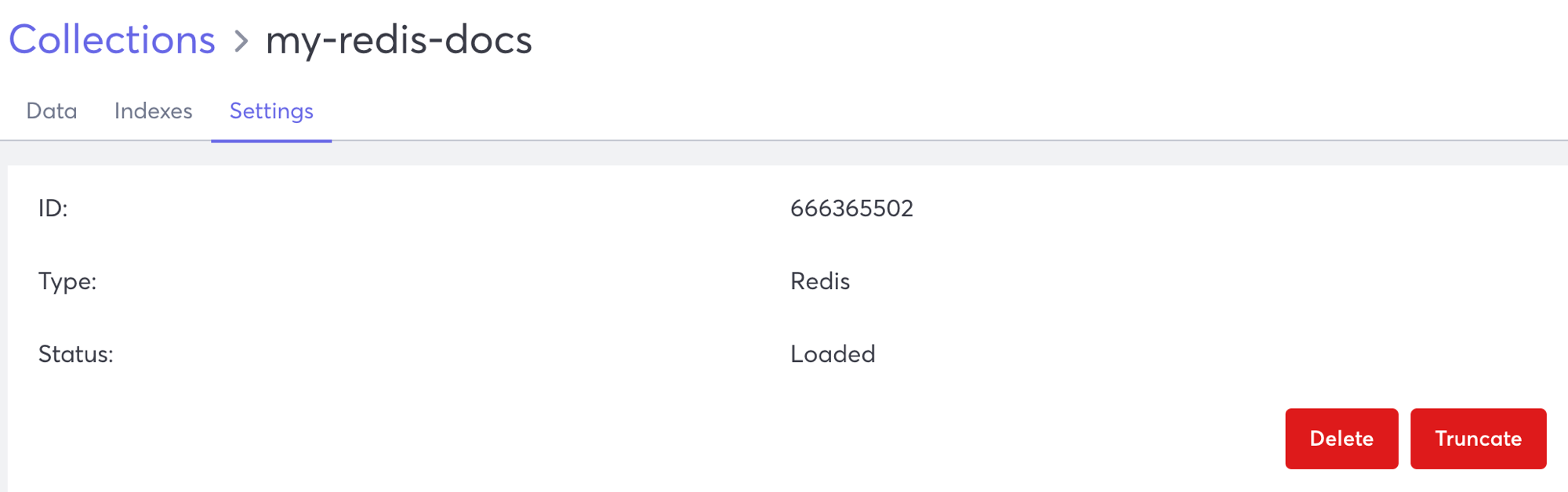
You can view and update Redis mode collection settings in the Settings tab.
View Collection Settings
- Log in to your Macrometa account.
- Click Data > Collections.
- Click the collection for which you want to view the settings.
- Click Settings to view the Settings tab.
Redis Mode Settings
- ID - System-generated ID of the selected collection.
- Type - The data model type of the selected collection.
- Status - Current status of the selected collection.
You can also Delete or Truncate the collection.